
Alternative software · Audio editing
 Audacity
Record sound, edit voice recordings and put together audio with a free audio editor.
What is Audacity?
Audacity (opens in a new tab) is a free, open-source audio editor. You can use it to record your voice, trim recordings and combine sound from several tracks.
It’s developed by Muse Group (opens in a new tab) and the Audacity contributors. It’s also available for Windows and macOS, so you can try it before moving to Linux.
The recent Audacity 4 release (opens in a new tab) gives it a much more modern look, with a redesigned interface, different workspace layouts and simpler controls for trimming audio clips.
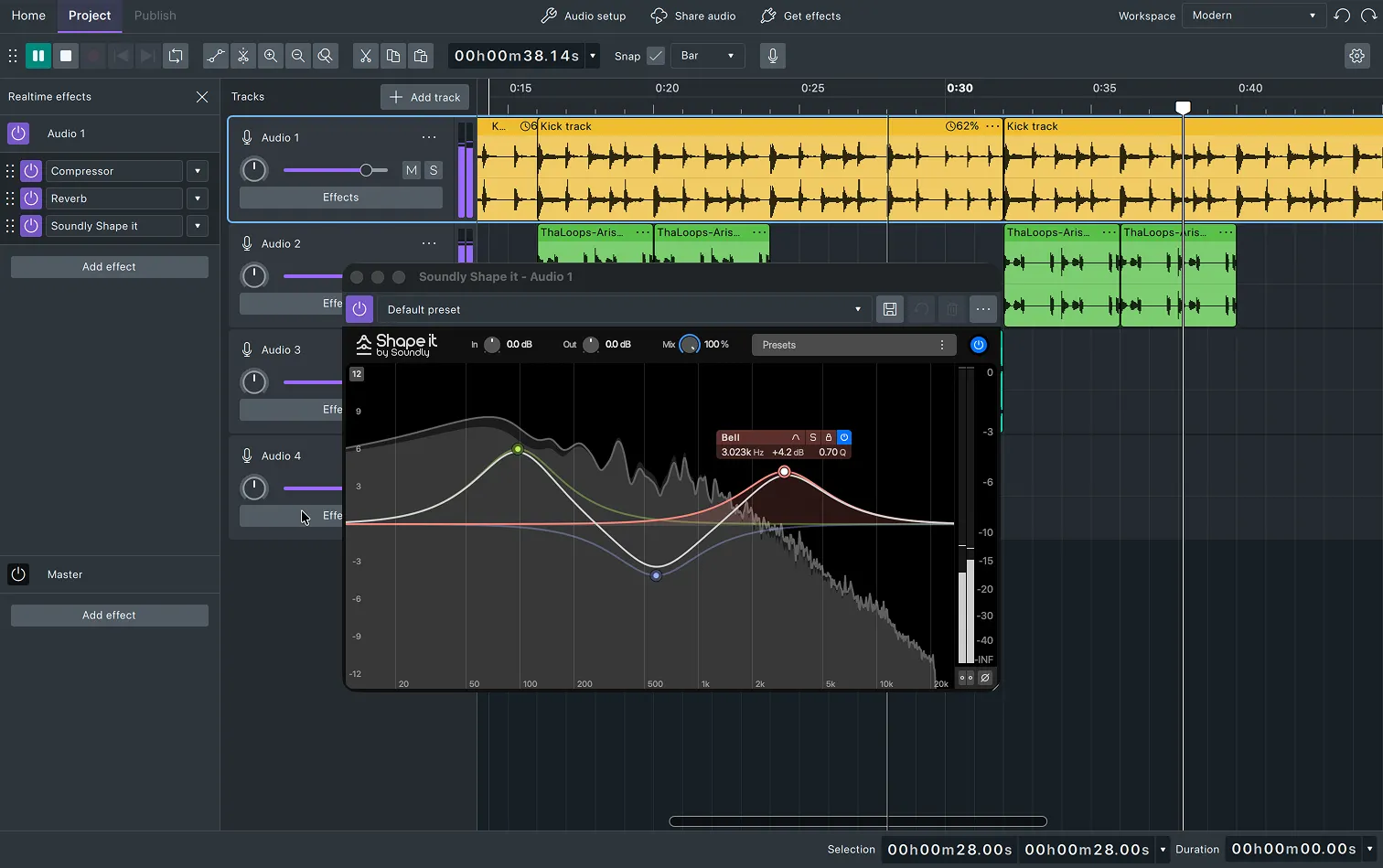
What can you do with it?
- Record audio: Capture your microphone for a voiceover or podcast.
- Edit recordings: Cut out mistakes, trim silence and rearrange clips.
- Mix sound: Combine speech, music and other recordings on separate tracks.
- Adjust the sound: Change volume, reduce background noise and add effects.
Coming from another audio editor?
Audacity is worth trying if you use Adobe Audition for everyday recording and editing. Start with a short recording to get used to selecting, cutting and moving audio.
The Audacity guides (opens in a new tab) cover recording, editing and exporting your work.
Getting Audacity
Check the official downloads page (opens in a new tab) for other options.
Or install through your distro:
 Debian / Ubuntu / Mint / Pop!_OS
sudo apt install audacity Fedora
sudo dnf install audacity Arch / CachyOS
sudo pacman -S audacity