
Game launchers
 Bottles
Run Windows apps and games in their own separate setups.
What is Bottles?
Bottles is a free, open-source app for running Windows software on Linux using Wine. It works with games and other Windows apps.
Each “bottle” keeps its own programs, settings, and supporting files together. That lets you change one game’s setup without affecting the others.
Getting Bottles
Install Bottles from Flathub (opens in a new tab). You can find more information in the Bottles installation guide (opens in a new tab).
What can I use it for?
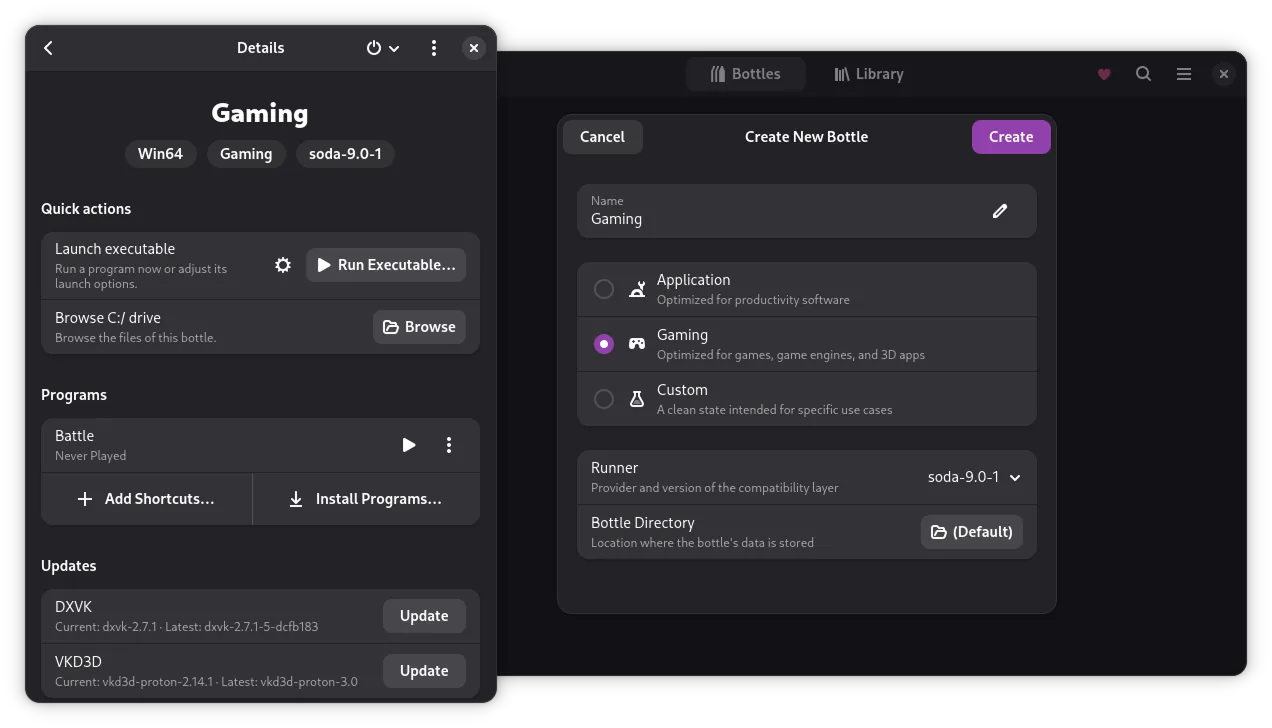
You can create a Gaming bottle for games or an Application bottle for other software. Bottles provides settings for each, so you don’t have to start from scratch.
It’s useful for Windows installers you already have, or when you want more control over an app’s setup. You can run an installer inside a bottle and manage the extra components it needs from the same place.
Bottles 66 added UMU support (opens in a new tab), so you can also run games with Proton outside Steam, directly from the Bottles library.
Not all Windows software works with Wine. For multiplayer games, check Anti-Cheat too.