
Desktop environments
 COSMIC
A customisable desktop that can arrange your windows for you.
What is COSMIC?
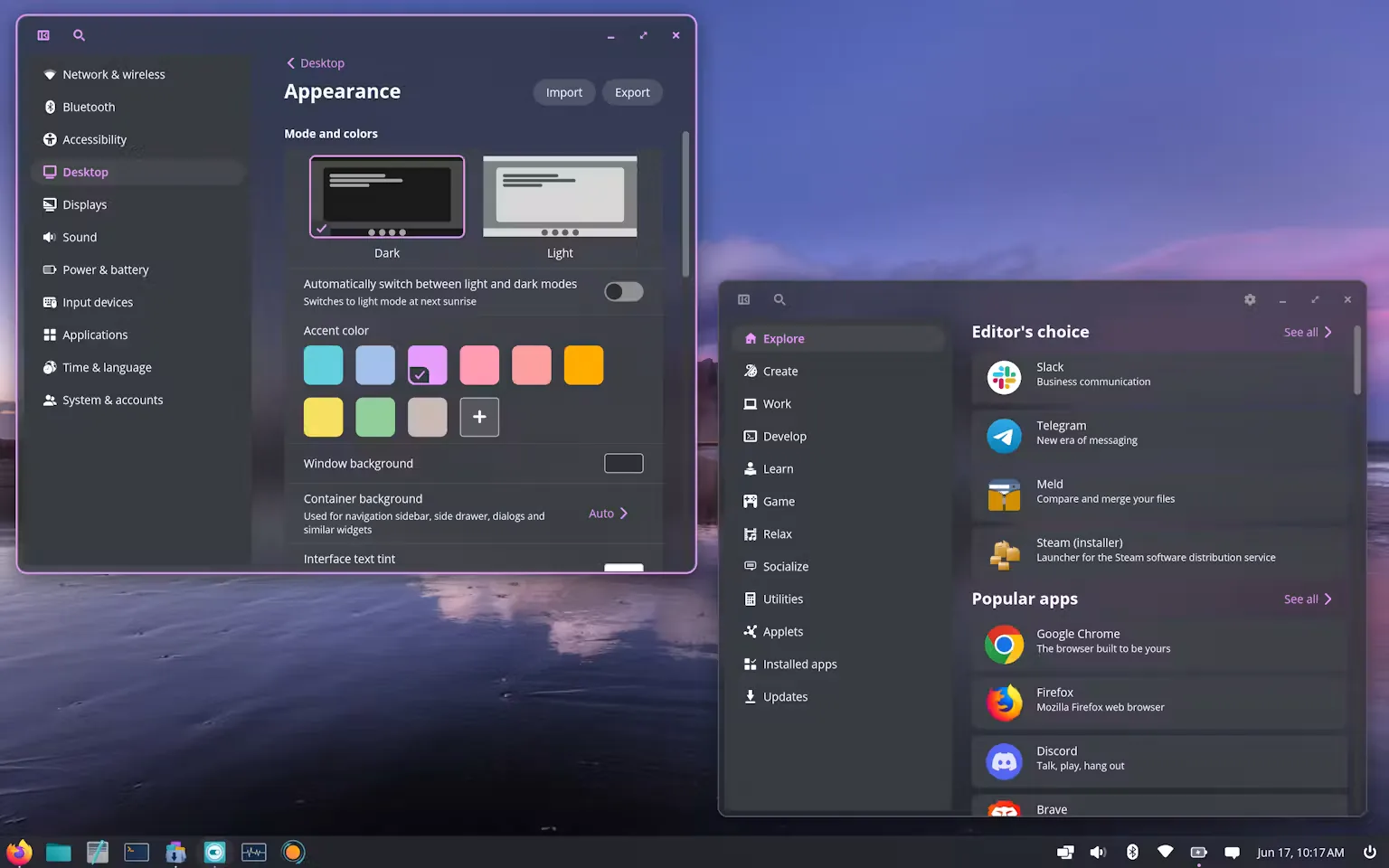
COSMIC is a desktop environment made by System76, the team behind Pop!_OS. It has its own apps and settings, with plenty of ways to change the desktop to suit you.
Automatic tiling arranges your windows side by side so they don’t overlap. You can turn it on when you’re working with several apps, or leave it off and move windows around yourself.
Can you customise it?
You can move the dock and panel, change their size, and choose your own colours through COSMIC Settings.
Keyboard shortcuts let you open apps and move between windows without reaching for the mouse. You can change those shortcuts too.
Explore COSMIC (opens in a new tab)
Which distros use it?
Pop!_OS uses COSMIC. Fedora also offers a COSMIC Spin (opens in a new tab) with the desktop ready to use.
 Pop!_OS
 Fedora
Choose COSMIC if…
- You’d like your desktop to arrange windows for you.
- You want to change the layout and colours to suit you.
- You like using keyboard shortcuts to get things done.