
Alternative software · Video editing
 Shotcut
Cut clips, add sound and put together videos with a free video editor.
What is Shotcut?
Shotcut (opens in a new tab) is a free, open-source video editor. You can use it to trim footage, join clips, add music and export a finished video without a subscription.
It’s developed by Dan Dennedy and the Shotcut contributors, through Meltytech (opens in a new tab). It’s also available for Windows and macOS, so you can try it before moving to Linux.
What can you do with it?
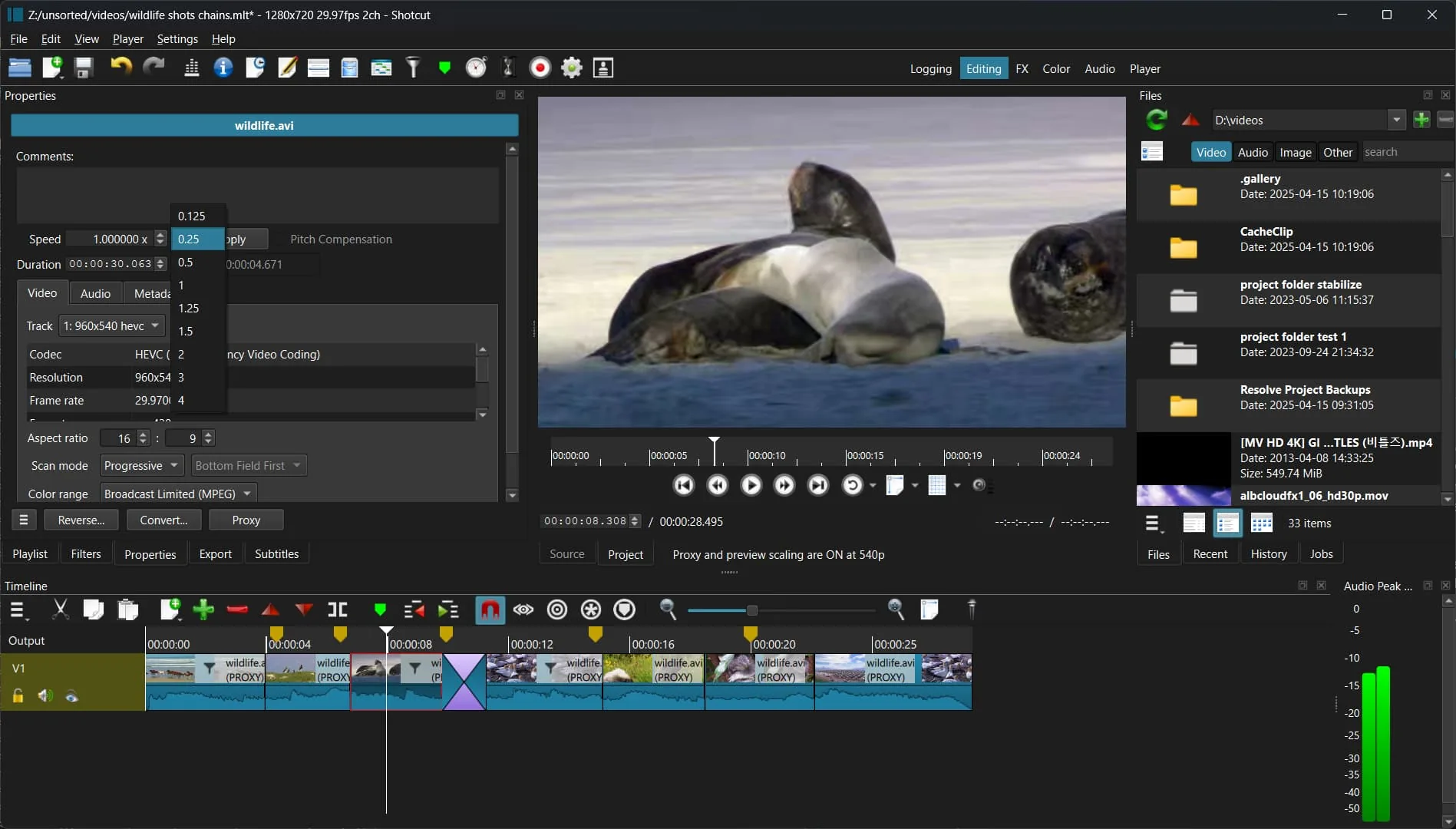
- Cut and arrange clips: Remove unwanted footage and put the remaining clips in order.
- Add sound: Combine music, speech and video on separate tracks.
- Change the look: Adjust colours, add text and use filters or transitions.
- Mix different footage: Work with a wide range of video formats in the same project.
Choosing a video editor
Shotcut is another option alongside Kdenlive. Try editing a short video in each to see which layout and tools you prefer.
The Shotcut tutorials (opens in a new tab) cover the basics, including working with the timeline and exporting your video.
Getting Shotcut
Install Shotcut from Flathub (opens in a new tab), or get an AppImage from the official downloads page (opens in a new tab).
Or install through your distro:
 Debian / Ubuntu / Mint / Pop!_OS
sudo apt install shotcut Fedora
sudo dnf install shotcut Arch / CachyOS
sudo pacman -S shotcut