
Desktop environments
 GNOME
GNOME
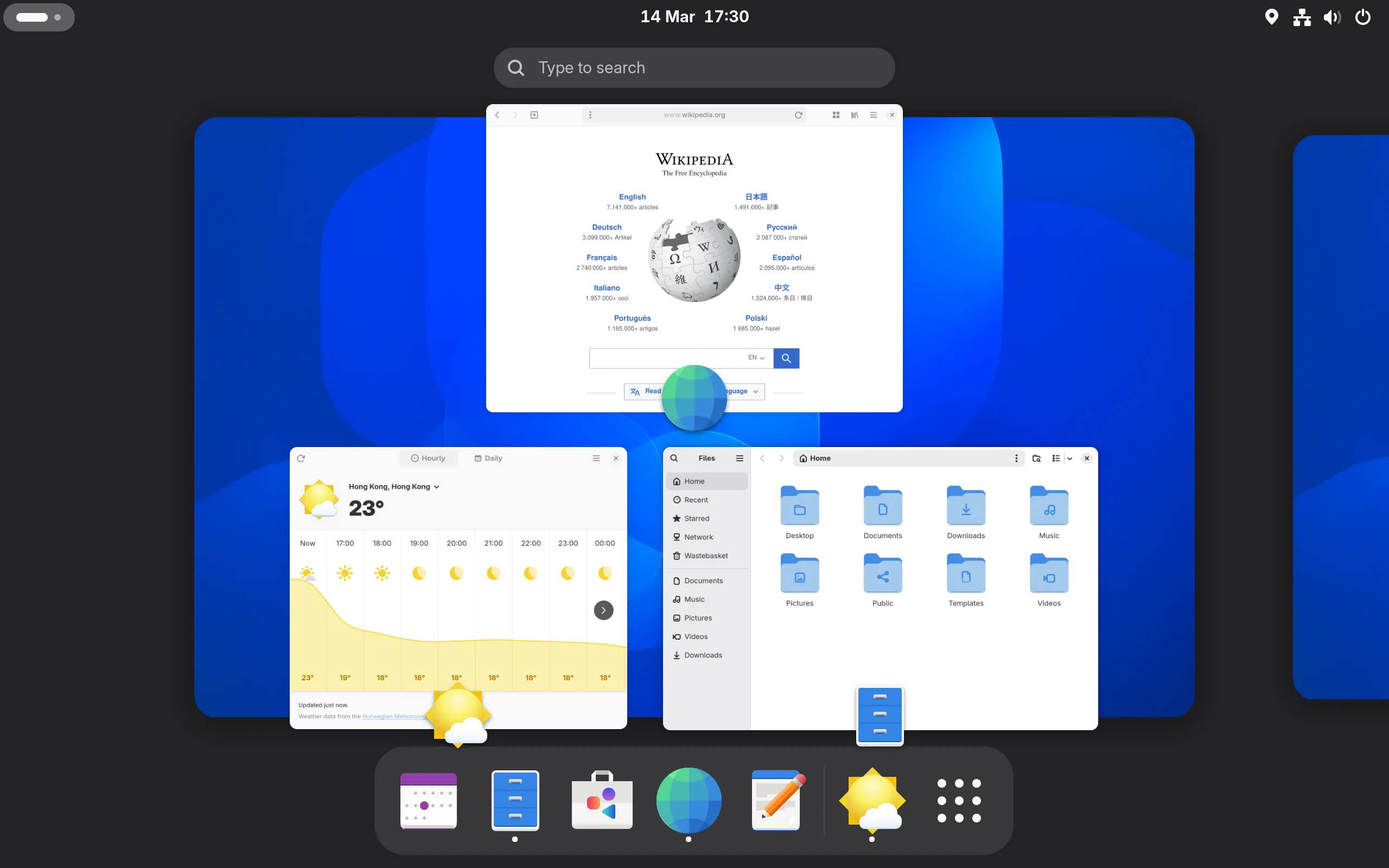
A simple desktop built around searching for apps and switching between windows.
What is GNOME?
GNOME is a desktop environment made by the GNOME project. It keeps the desktop fairly clear, with an overview for finding apps and moving between windows. Its top bar and app overview may feel more familiar if you’re coming from macOS.
Can you customise it?
Extensions add features or change how the desktop works, a bit like add-ons for your browser. You can add a dock, change the app menu or adjust the top bar.
Browse GNOME extensions (opens in a new tab)
Which distros use it?
Fedora Workstation uses GNOME. Ubuntu uses it with some changes, including a dock on the desktop. Debian also offers it as a desktop choice.
 Fedora
 Ubuntu
 Debian
Choose GNOME if…
- You want a simple desktop without lots of buttons and panels.
- You want to add extra features with extensions.
- You’d like something that feels closer to macOS than Windows.
If you’re used to a Windows-style taskbar, GNOME can take a little getting used to. Try it from a USB to see whether you like it.