
Alternative software · Office
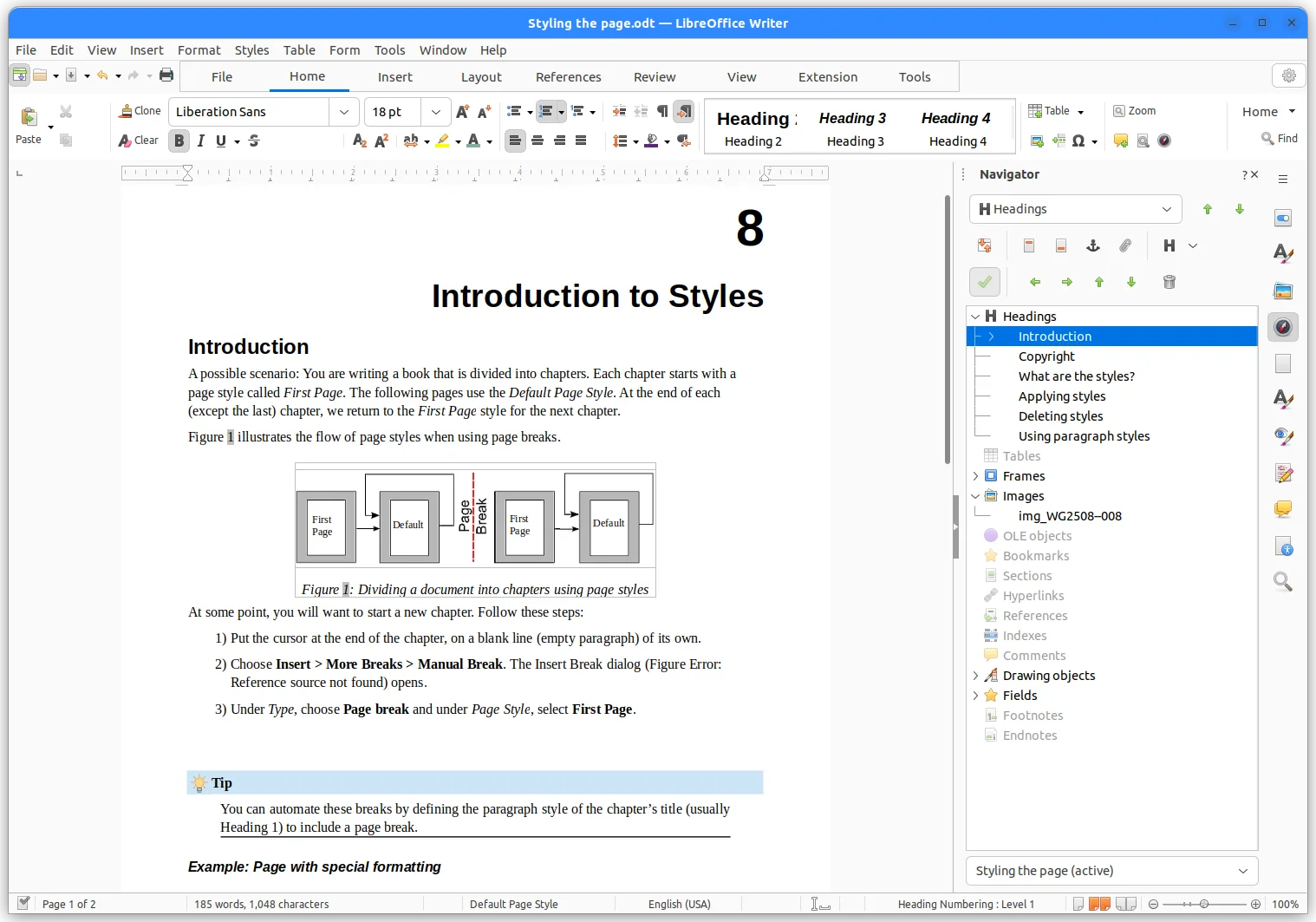
 LibreOffice
Write documents, work with spreadsheets and create presentations with a free alternative to Microsoft Office.
What is LibreOffice?
LibreOffice (opens in a new tab) is a free, open-source office suite. It includes apps for writing documents, making spreadsheets and creating presentations, without a subscription.
It’s developed by the LibreOffice community, supported by The Document Foundation (opens in a new tab). It’s also available for Windows and macOS, so you can try it before moving to Linux.
What’s included?
These are some of the apps in the suite:
| App | What it does | Similar to |
|---|---|---|
| Writer | Write reports, documents and letters. | Word |
 Calc Calc | Organise numbers, work with formulas and make charts. | Excel |
 Impress Impress | Put together slides for a presentation. | PowerPoint |
 Base Base | Create and manage databases with tables and forms. | Access |
 Math Math | Write equations to include in your documents. | Office’s equation editor |
LibreOffice also includes Draw for diagrams and simple drawings.
Coming from Microsoft Office?
LibreOffice can open and save Word, Excel and PowerPoint files. Complex formatting and macros may work differently, so try a few of your usual files before switching. You can also export documents as PDFs when you want to share a finished copy.
Getting LibreOffice
Install LibreOffice from Flathub (opens in a new tab), or check the official downloads page (opens in a new tab) for other options.
Or install through your distro:
 Debian / Ubuntu / Mint / Pop!_OS
sudo apt install libreoffice Fedora
sudo dnf install libreoffice Arch / CachyOS
sudo pacman -S libreoffice-fresh