
Alternative software · Media players
 VLC
VLC
Watch videos, listen to music and open a wide range of media files with a free media player.
What is VLC?
VLC (opens in a new tab) is a free, open-source media player. You can use it to watch videos, listen to music and play a wide range of file formats without ads or a subscription.
It’s developed by the VideoLAN community (opens in a new tab). It’s also available for Windows and macOS, so you can try it before moving to Linux.
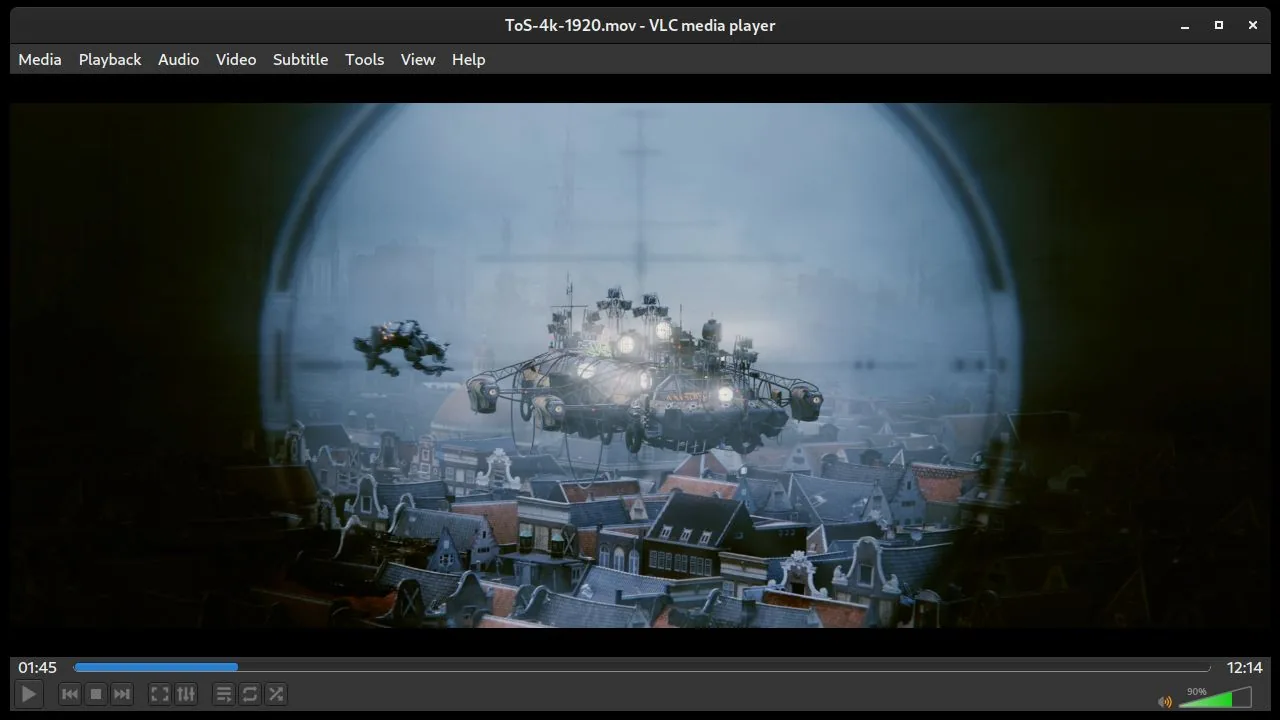
What can you do with it?
- Play videos and music: Open your downloaded files and recordings.
- Use subtitles: Load a subtitle file and adjust its timing.
- Change playback speed: Slow down or speed up what you’re watching.
- Make playlists: Queue up videos or songs to play in order.
Coming from Windows or macOS?
VLC is an alternative to Windows Media Player or QuickTime Player. If you already use VLC, its familiar menus and playback controls carry over to Linux.
Getting VLC
Check the official downloads page (opens in a new tab) for other options.
Or install through your distro:
 Debian / Ubuntu / Mint / Pop!_OS
sh
sudo apt install vlc Fedora
sh
sudo dnf install vlc Arch / CachyOS
sh
sudo pacman -S vlc

# If videos won’t play, install the extra playback support
sudo pacman -S vlc-plugins-all