

Linux Mint
Key info
- Distro type
- Fixed releases
- Built on
- Ubuntu · Debian
- Package manager
- APT
- Focus
- Familiar layout
- Difficulty
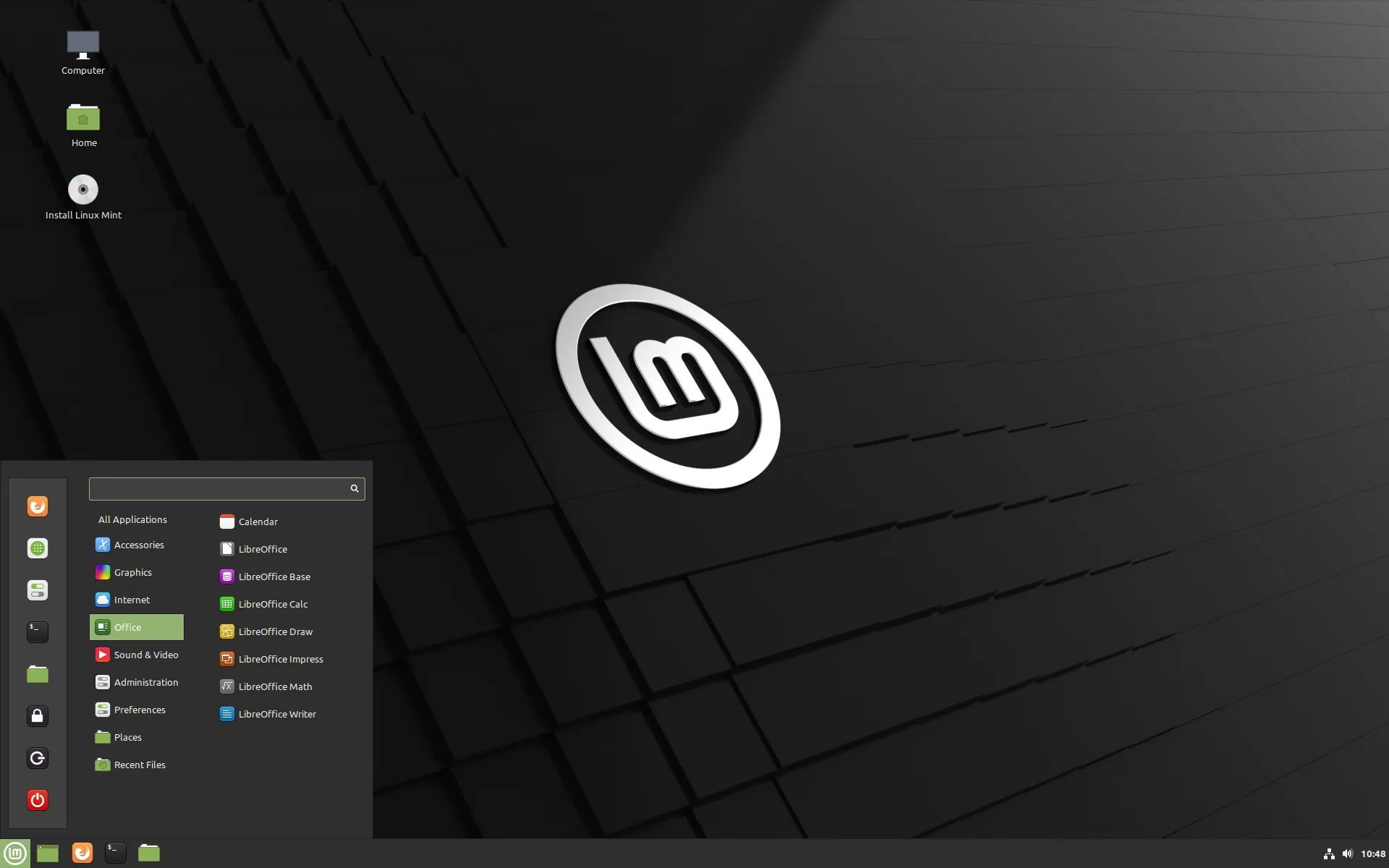
Linux Mint offers a traditional desktop layout with an application menu, taskbar, and system tray that may feel familiar if you use Windows. Its Cinnamon desktop and graphical tools cover everyday tasks such as installing software and managing updates.
Main editions: Based on Ubuntu.
Debian Edition (LMDE): Based on Debian.
Unique features
- Cinnamon desktop: A familiar menu and taskbar.
- Timeshift: Undo changes to your system.
- Warpinator: Share files between nearby devices.
- Web Apps: Open websites like ordinary apps.
Pros
- Familiar layout for Windows users.
- Graphical tools for apps and updates.
Cons
- The traditional layout won't suit everyone.
- Some software comes in older versions.
Choose this if...
- You'd like a layout that feels familiar coming from Windows.
- You want simple tools for installing apps and updates.
- You don't need the newest software straight away.