
Gaming on Linux
 ProtonDB
Find out how your Steam games run on Linux.
What is ProtonDB?
ProtonDB is a community website where players share how well their Steam games work on Linux. It can help you check your library before switching, or look up a game before buying it.
It’s separate from Valve and Proton. You don’t need to install anything to use it.
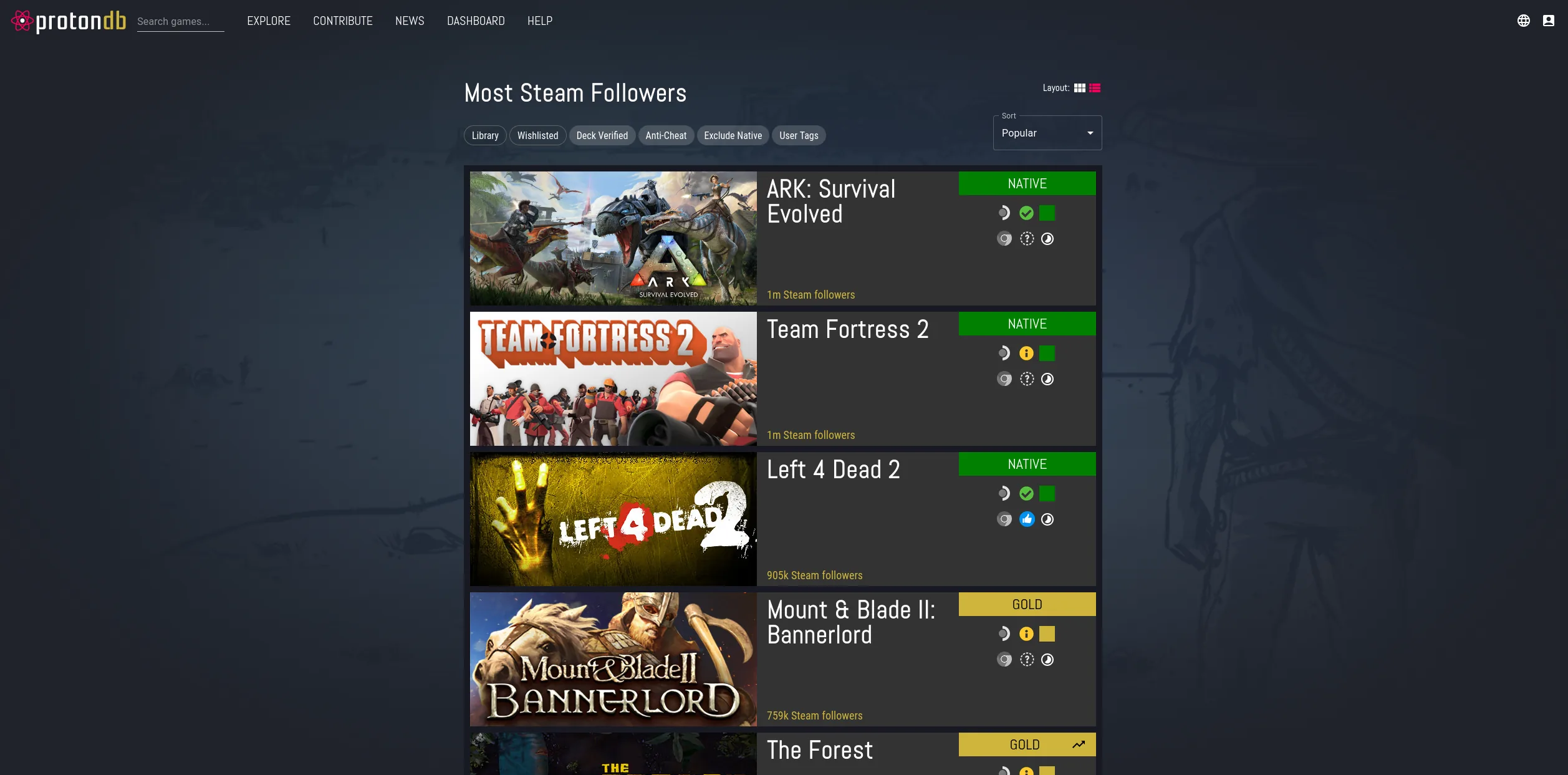
What do the ratings mean?
- Native: The game has a Linux version.
- Platinum: Works without extra setup.
- Gold: Works well after some setup changes.
- Silver: Playable, but with some problems.
- Bronze: Runs, but has serious problems.
- Borked: Doesn’t work.
Check the recent reports
Search for your game, then read what other players have reported. A rating gives you a quick idea, but the reports explain any problems and the changes people made to get it working.
Look for recent reports from Linux PCs, especially ones with a graphics card similar to yours. Steam Deck results can be useful too, but your computer may behave differently.