

Arch Linux
Key info
- Distro type
- Rolling release
- Built on
- Independent
- Package manager
- pacman
- Focus
- Set it up yourself
- Manual install
- With archinstall
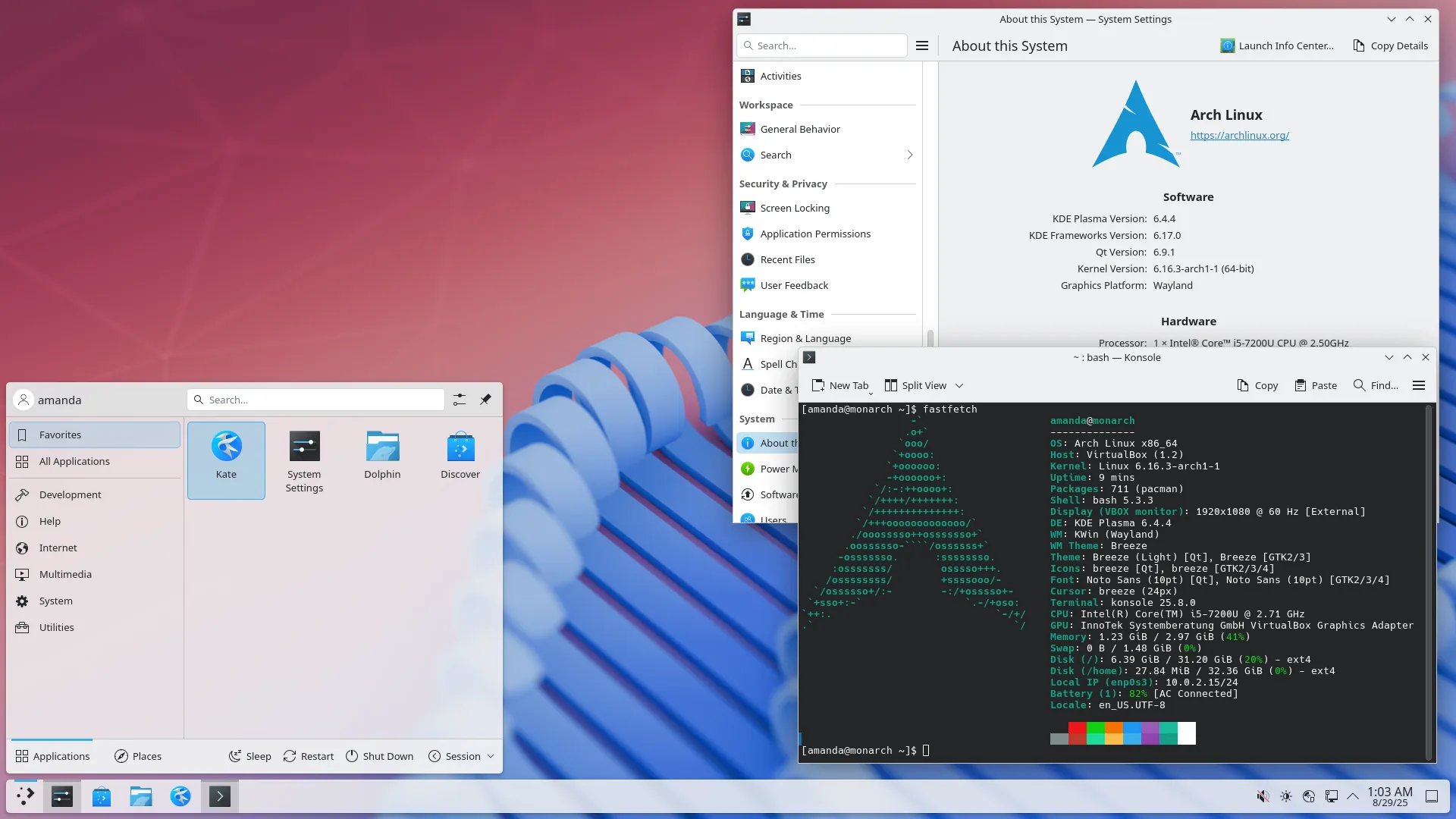
Arch Linux starts with a minimal system. You choose and install the desktop, apps, and other tools yourself, giving you control over what’s on your computer.
Its rolling release model delivers new software through regular system updates instead of separate version upgrades. You’re responsible for setup and ongoing maintenance, so expect to spend time reading documentation and managing the system.
Want an easier start? Try CachyOS instead. It’s based on Arch and helps you get a desktop set up with less manual work. You’ll still need to look after rolling updates.
Unique features
- Build it your way: Choose your desktop and apps.
- ArchWiki: Detailed guides for setup and troubleshooting.
- AUR: Extra software packaged by the community.
- Rolling updates: New software without major version upgrades.
Pros
- Choose your own desktop and apps.
- Detailed help from the ArchWiki.
Cons
- You handle the initial setup yourself.
- Maintenance takes time and reading.
Choose this if...
- You want to choose what gets installed.
- You enjoy setting things up yourself.
- You're happy to read guides and fix problems.