
Alternative software · Video editing
 Kdenlive
Edit videos with a free alternative to Adobe Premiere Pro.
What is Kdenlive?
Kdenlive (opens in a new tab) is a free, open-source video editor. You can use it to cut clips together, add music and titles, and put together a finished video without a subscription.
It’s developed by the Kdenlive team (opens in a new tab), part of the KDE community. It’s also available for Windows and macOS, so you can try it before moving to Linux.
You arrange video and audio on a timeline, with separate tracks for things like footage, background music and voice recordings.
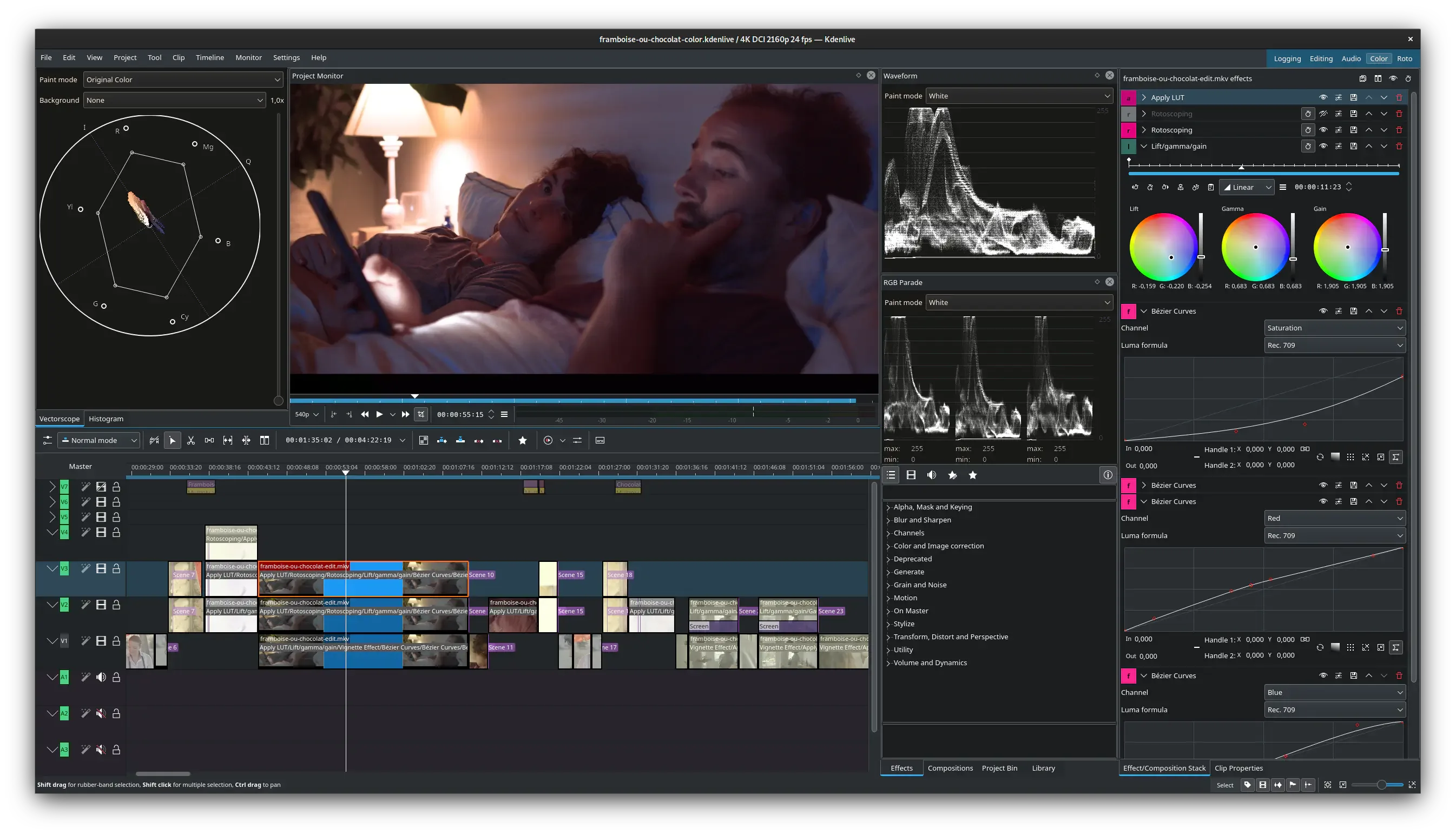
What can you do with it?
- Put clips together: Trim footage and arrange it in the order you want.
- Add sound and text: Include music, voice recordings, titles and subtitles.
- Adjust the look: Change colours and add effects or transitions.
- Edit large videos more smoothly: Use smaller copies while editing, then export from the original footage.
Coming from Premiere Pro?
Kdenlive is worth trying if you use Premiere Pro for video editing. The timeline will feel familiar, though some tools and shortcuts work differently.
Try a short project to see whether it suits your work. The Kdenlive getting started guide (opens in a new tab) walks you through the basics.
Getting Kdenlive
Install Kdenlive from Flathub (opens in a new tab), or get an AppImage from the official downloads page (opens in a new tab).
Or install through your distro:
 Debian / Ubuntu / Mint / Pop!_OS
sudo apt install kdenlive Fedora
sudo dnf install kdenlive Arch / CachyOS
sudo pacman -S kdenlive