
Alternative software · Email
 Thunderbird
Manage your email, calendars and contacts with a free alternative to apps like Outlook and Apple Mail.
What is Thunderbird?
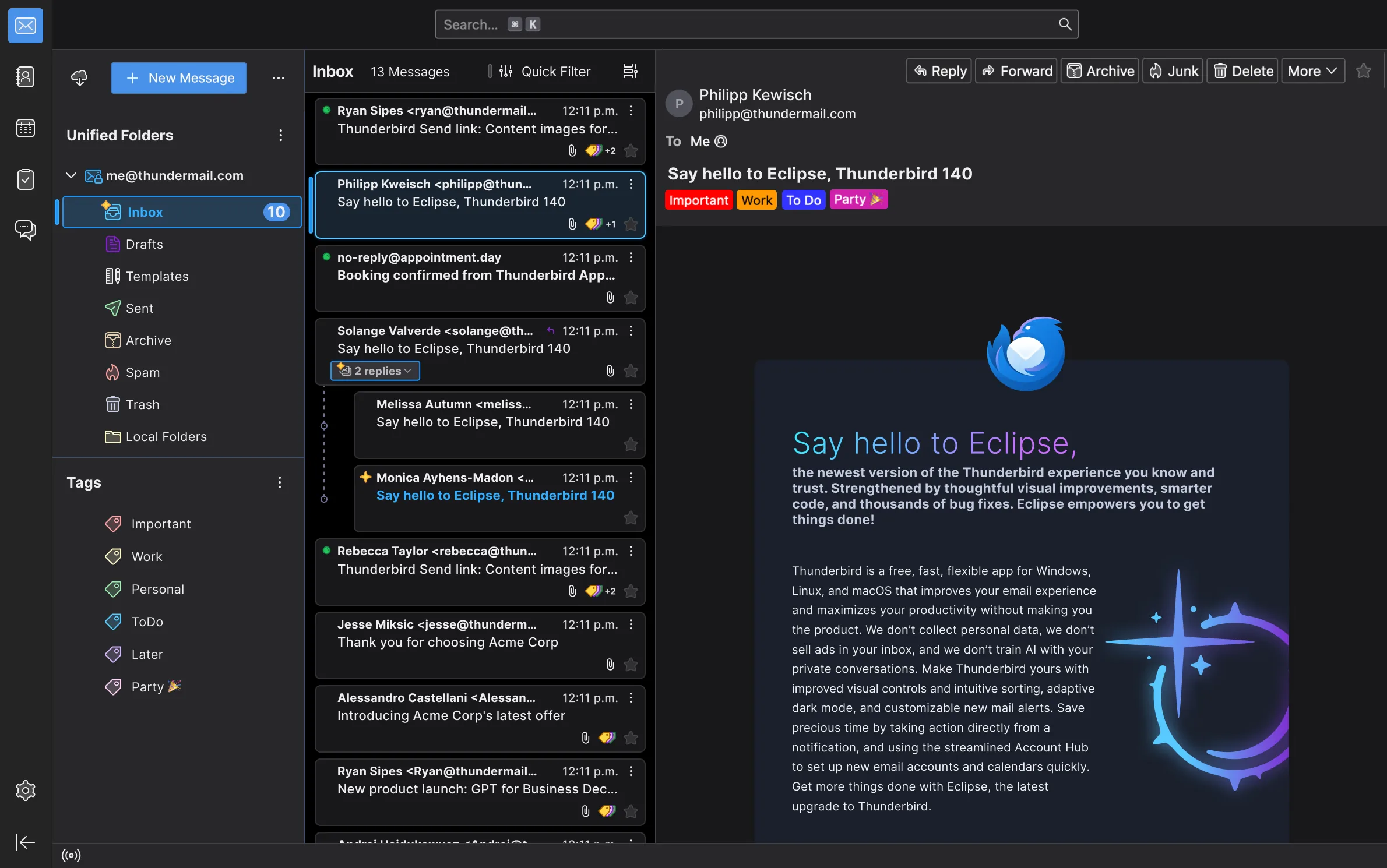
Thunderbird (opens in a new tab) is a free, open-source email app. You can bring several email accounts together, organise your messages and keep track of appointments in one place.
It’s developed by the Thunderbird team and community, through MZLA Technologies Corporation (opens in a new tab), part of Mozilla. It’s also available for Windows and macOS, so you can try it before moving to Linux.
What can you do with it?
- Bring accounts together: Read and send email from several accounts in one app.
- Organise messages: Use folders, tags and search to find what you need.
- Plan your day: Keep appointments, reminders and tasks in the calendar.
- Keep contacts handy: Store names and email addresses in an address book.
Coming from Outlook or Apple Mail?
Thunderbird is worth trying if you prefer a desktop email app. You can keep your existing email address and connect your account to Thunderbird.
For a work or school account, check whether your organisation allows other email apps. The Thunderbird help pages (opens in a new tab) cover setting up accounts and moving your email.
Getting Thunderbird
Install Thunderbird from Flathub (opens in a new tab), or check the official downloads page (opens in a new tab) for other options.
Or install through your distro:
 Debian / Ubuntu / Mint / Pop!_OS
sudo apt install thunderbird Fedora
sudo dnf install thunderbird Arch / CachyOS
sudo pacman -S thunderbirdOn Ubuntu, this installs the Snap version.