
Alternative software · Graphics & design
 Krita
Krita
Draw and paint with a free alternative to apps like Clip Studio Paint.
What is Krita?
Krita (opens in a new tab) is a free, open-source app for digital painting. It’s made for drawing, illustration and comics, with brushes and tools that help you create artwork from scratch.
It’s developed by the Krita community, with support from the Krita Foundation (opens in a new tab). It’s also available for Windows and macOS, so you can try it before moving to Linux.
You can sketch, ink and colour your work in the same app, without a subscription.
What can you do with it?
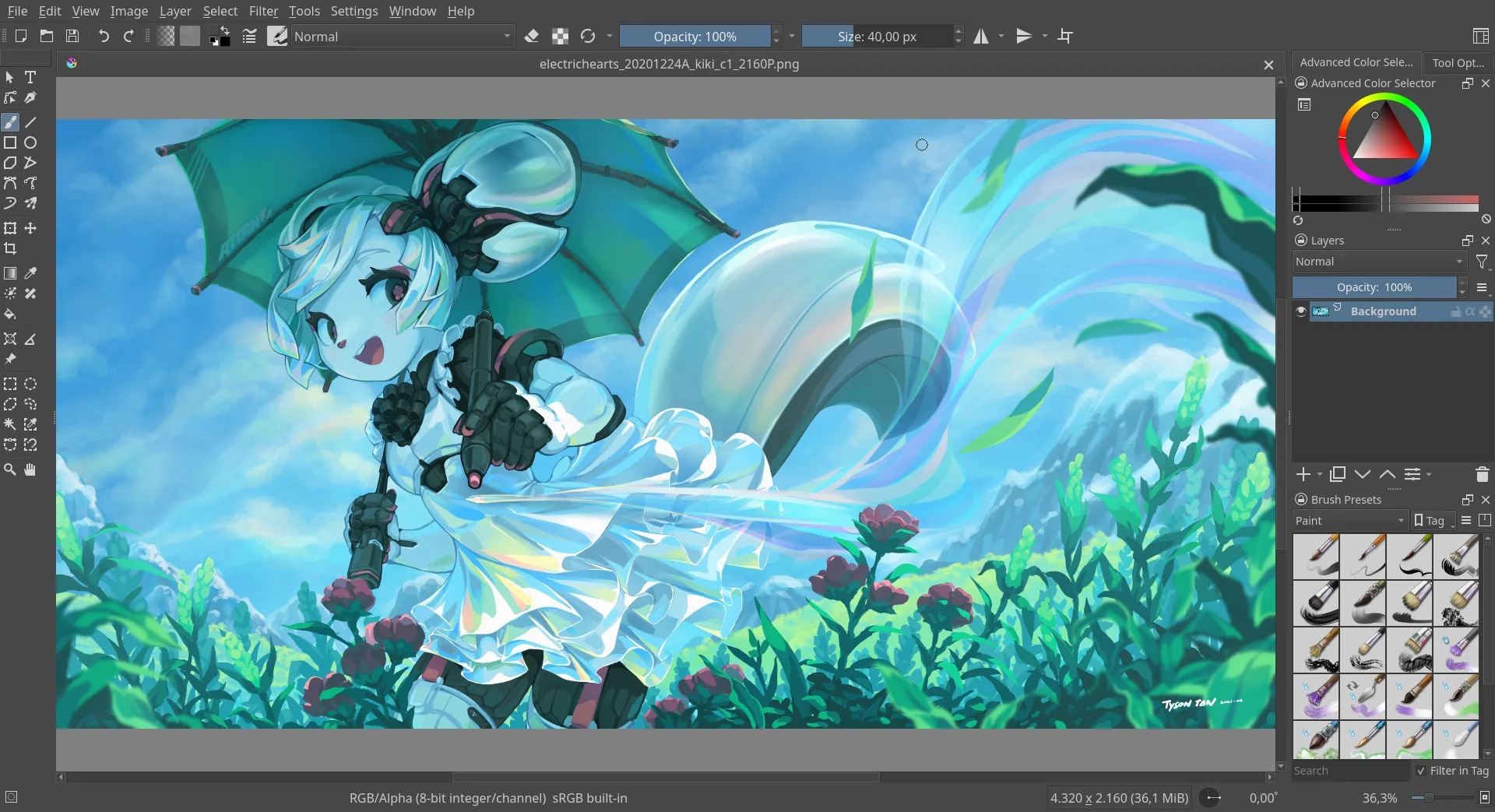
- Draw and paint: Choose from pencils, ink brushes and painting brushes, or adjust them to suit your style.
- Keep artwork organised: Use separate layers for your sketch, outlines and colours.
- Smooth your lines: Brush stabilisers help steady your strokes while drawing.
- Animate your drawings: Build a 2D animation one frame at a time.
Coming from another drawing app?
Krita is worth trying if you use Clip Studio Paint or Photoshop for drawing. Its brushes and shortcuts will feel different, so try a small piece of artwork to see how you get on.
The Krita getting started guide (opens in a new tab) introduces the workspace and basic tools.
For touching up photos, take a look at GIMP. For logos and other graphics built from shapes, there’s Inkscape.
Getting Krita
Install Krita from Flathub (opens in a new tab), or get an AppImage from the official downloads page (opens in a new tab).
Or install through your distro:
 Debian / Ubuntu / Mint / Pop!_OS
sudo apt install krita Fedora
sudo dnf install krita Arch / CachyOS
sudo pacman -S krita