
Ubuntu
Codecs
Add support for more audio and video formats on Ubuntu.
What are codecs?
Codecs let apps play different audio and video formats.
Without the right codec, a video might play without sound, show a blank screen, or not open at all. Installing the missing codecs helps your apps play those files.
Are they already installed?
Ubuntu offers to install extra media support during setup.
If you selected the option for additional media formats, you may already have what you need. Try playing your audio or video first.
During installation
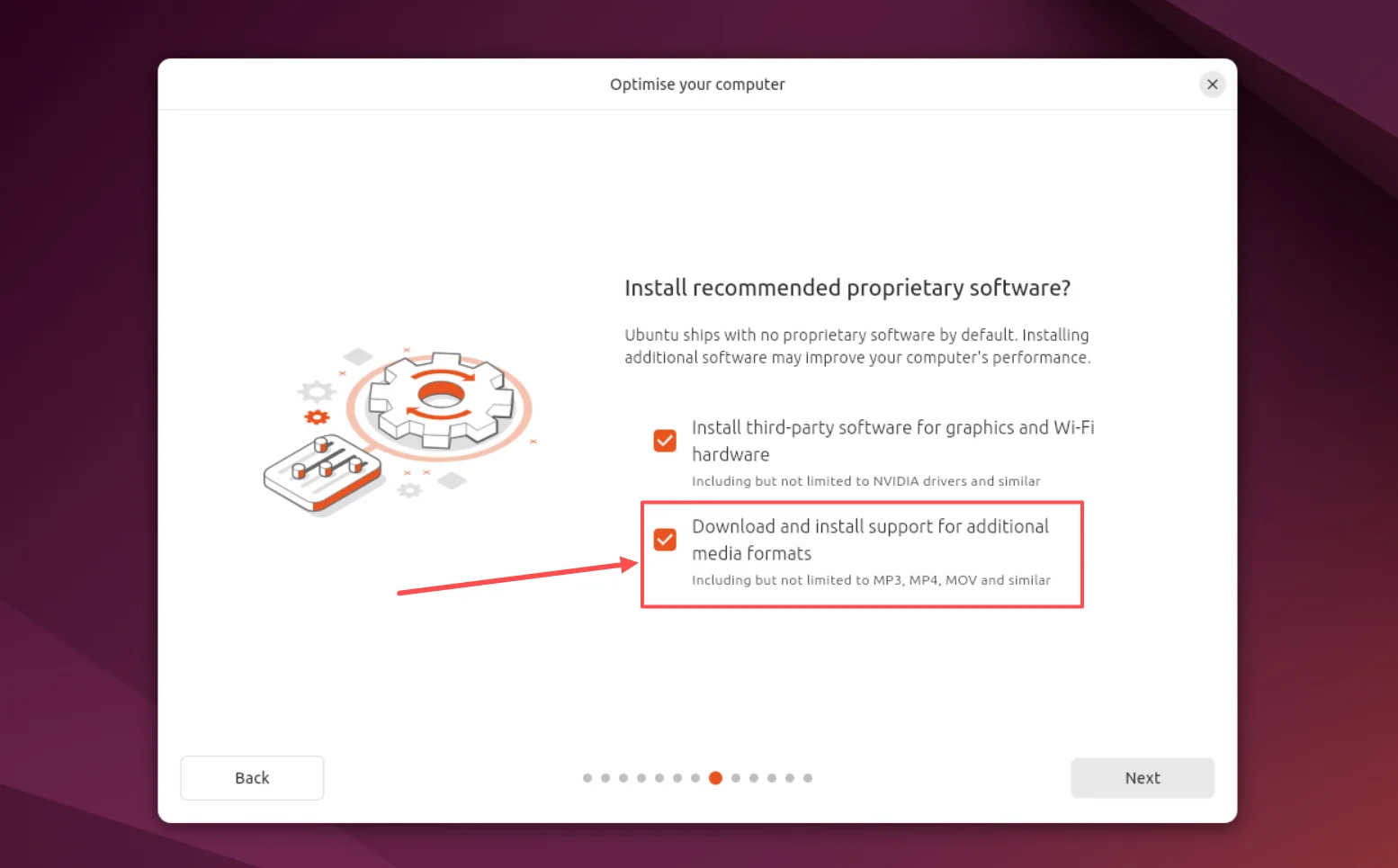
On the Optimise your computer screen, select Download and install support for additional media formats.
After installation
If you skipped that option or a format still won’t play, install the extra codecs below.
Refresh the package list:
sudo apt updateThen install the extra codecs:
sudo apt install ubuntu-restricted-extras gstreamer1.0-plugins-badThis also includes Microsoft fonts. If their licence prompt appears, use Tab and Enter to make your choice.
Close and reopen your media app or browser, then try again.
See System76’s codec guide for Ubuntu and Pop!_OS (opens in a new tab) for the full instructions.