
Alternative software · Graphics & design
 Inkscape
Draw logos, illustrations and graphics with a free alternative to Adobe Illustrator.
What is Inkscape?
Inkscape (opens in a new tab) is a free, open-source drawing app for logos, illustrations, icons and other graphics.
It’s developed by the Inkscape community (opens in a new tab). It’s also available for Windows and macOS, so you can try it before moving to Linux.
It uses vector graphics: shapes and lines that stay sharp when you resize them. You can use the same design on a small sticker or a large poster without it becoming blurry.
What can you do with it?
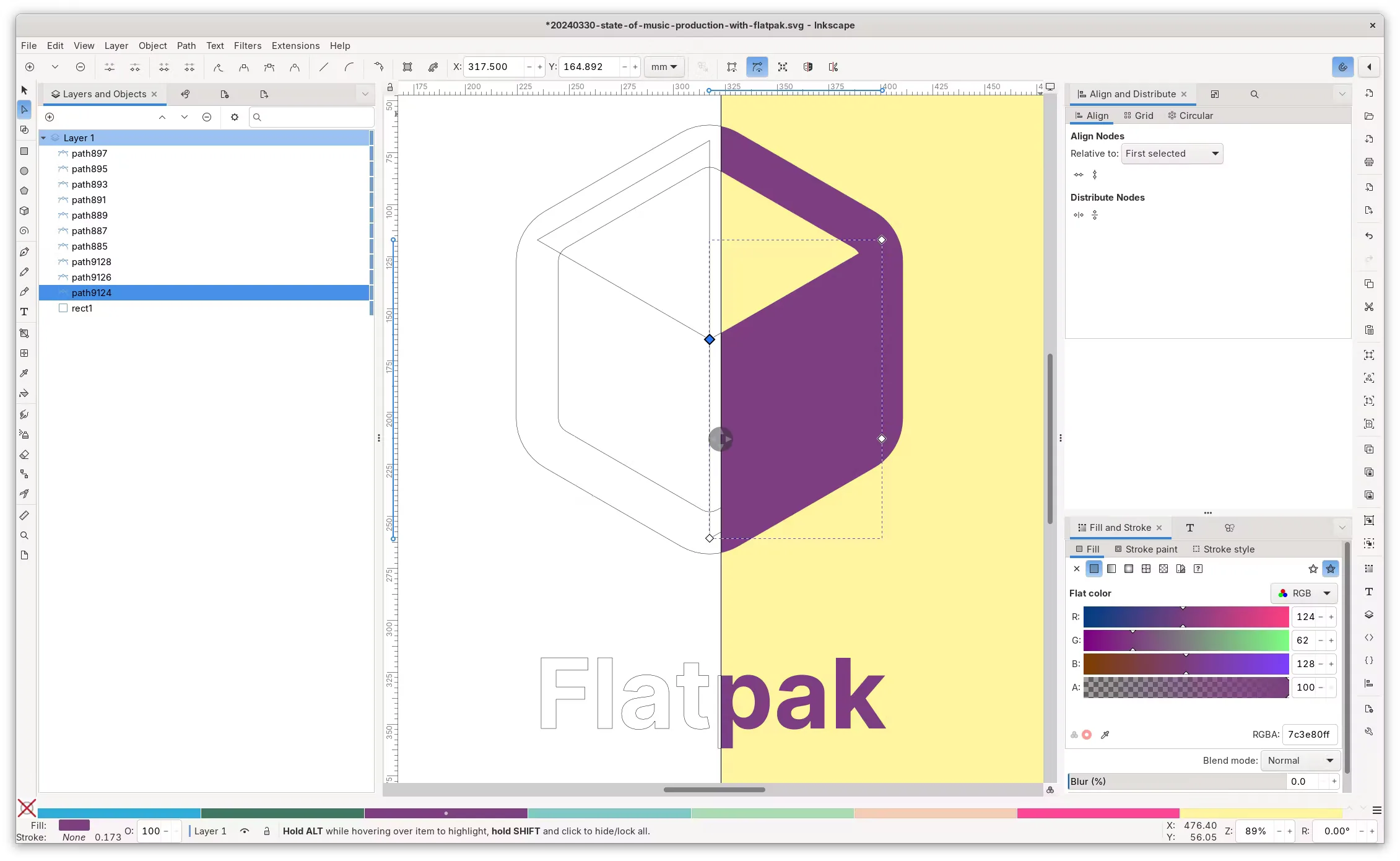
- Draw logos and icons: Build designs from shapes, curves and text.
- Create illustrations: Draw freely, then adjust individual lines and shapes.
- Design posters: Arrange text and artwork on a page.
- Work with SVGs: Open and edit graphics that stay sharp at different sizes.
Coming from Illustrator?
Inkscape is worth trying if you use Illustrator for drawing and design. Its tools and shortcuts are different, so expect a little time to settle in.
Try one of your usual projects to see whether it does what you need. The Inkscape tutorials (opens in a new tab) can help you learn the basics.
For touching up photos, take a look at GIMP too. The two apps are useful for different kinds of image work.
Getting Inkscape
Install Inkscape from Flathub (opens in a new tab), or visit the official downloads page (opens in a new tab) for other options.
Or install through your distro:
 Debian / Ubuntu / Mint / Pop!_OS
sudo apt install inkscape Fedora
sudo dnf install inkscape Arch / CachyOS
sudo pacman -S inkscape